Account Tracker v5 – end of support

aticon57 Further to my monthly notifications in the app itself (and on the AppStore), I will no longer be supporting version 5 of Account Tracker beyond 31st December 2020.

Specifically this applies to all versions up to and including v5.9.8.

Users can now upgrade to version 6 directly from the app (bottom of the settings tab). A one-off payment will unlock over 5 years of new feature development, including everything in Account Tracker Pro since it launched in 2016 (except Apple Watch).

Also since I now fully support iCloud Drive in Account Tracker Pro (v6.4 onwards), I no longer support the old legacy version of iCloud (called Documents in the Cloud). If it is working fine for you, PLEASE don’t change anything, however if you are setting up syncing from scratch, use iCloud Drive instead. This is configured in my app itself by first disabling syncing (if enabled), then disabling and re-enabling iCloud.

I have plenty of updates planned for Account Tracker Pro in 2021, COVID and Brexit permitting!

Happy Christmas!

Account Tracker Pro 6.4 now available

atp57 Added support for iCloud Drive. To enable it you need to disable syncing (if enabled), disable iCloud in the app settings, then re-enable iCloud again, choosing the iCloud Drive option.
Added an option to force a sync from this device (iCloud only, not usually required but it sometimes helps). Just select the syncing row in the app settings.

Added support for exporting CSV files in macOS (Unix) format. Just tap and hold the CSV button.

Minor colour changes.

Account Tracker Pro 6.3 now available

atp57 Added support for dark mode, plus a system option to automatically change between light and dark according to your device setting (Pro version only, requires iOS 13 or above).

When searching across all accounts, if the text matches transactions in multiple currencies, sum using the default currency (Pro version only).

Minor improvements to PDF generation and notes editing.

Bug fixes.

Dark mode coming to Account Tracker Pro (iOS)

Dark mode appeared on the Mac in 2018 but it was only introduced to the iPhone and iPad in iOS 13 (late last year). I now fully support it in version 6.3 of Account Tracker Pro.

It has been a lot of work to do, as there were over 400 places in my app where I set colours! In addition to my current three themes, you can choose to run dark mode all the time, or use the system settings, switching between light and dark based on a daily schedule.

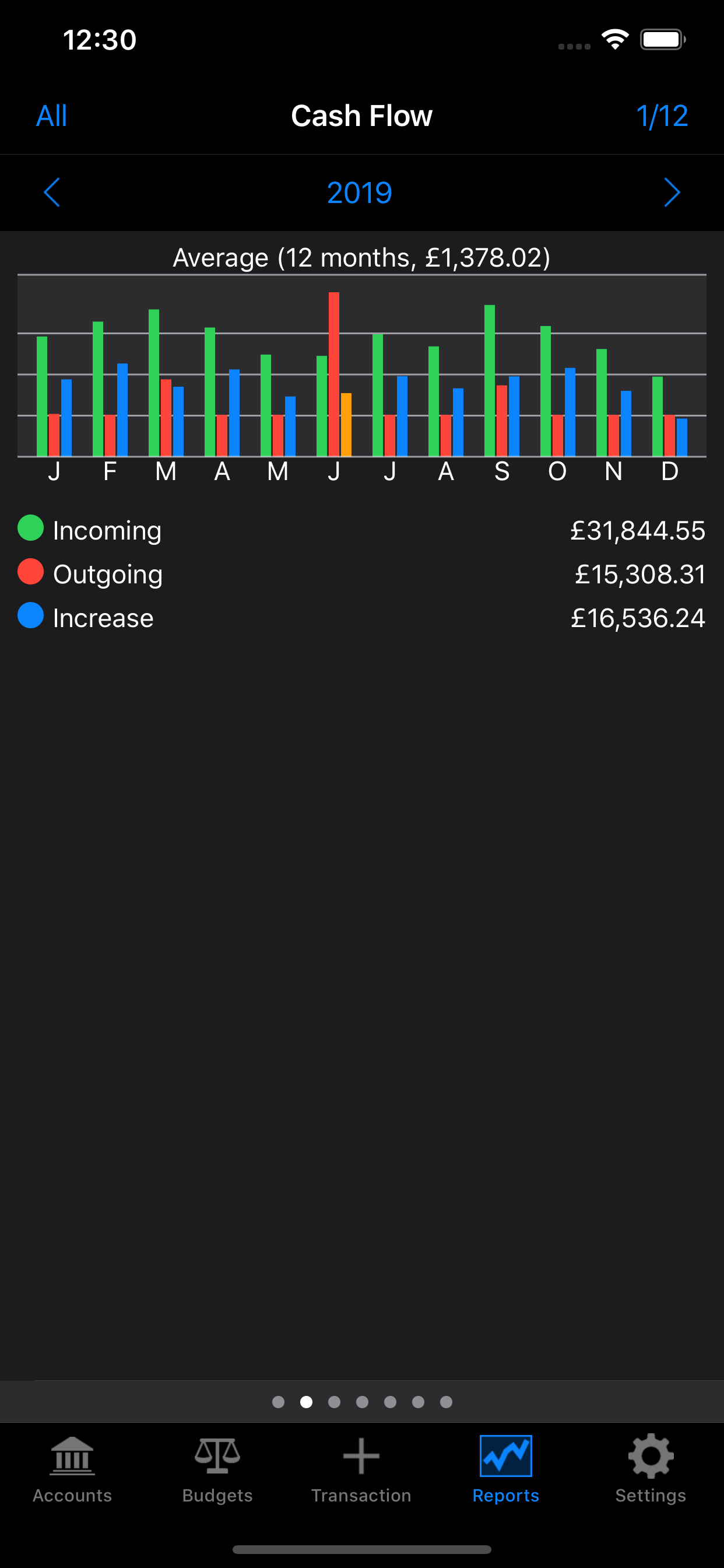
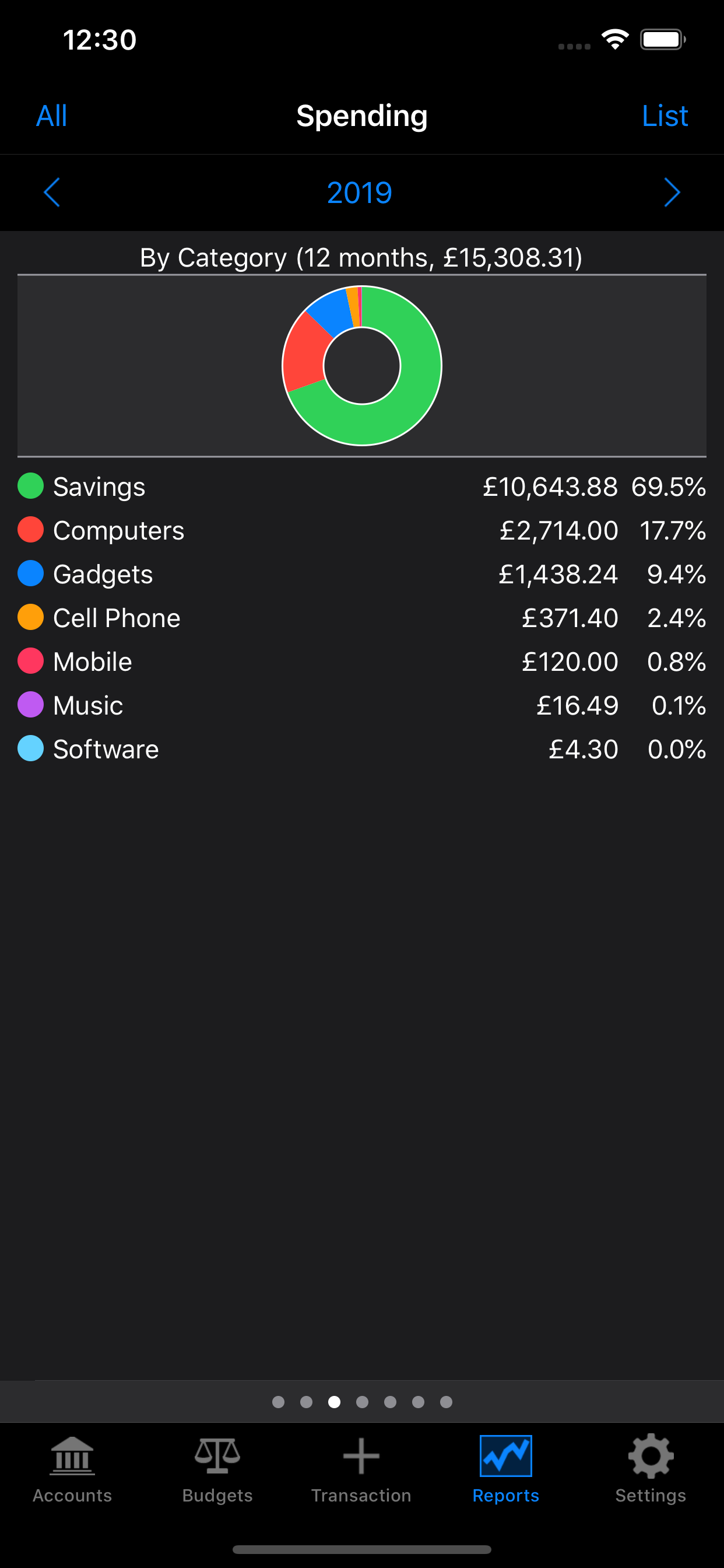
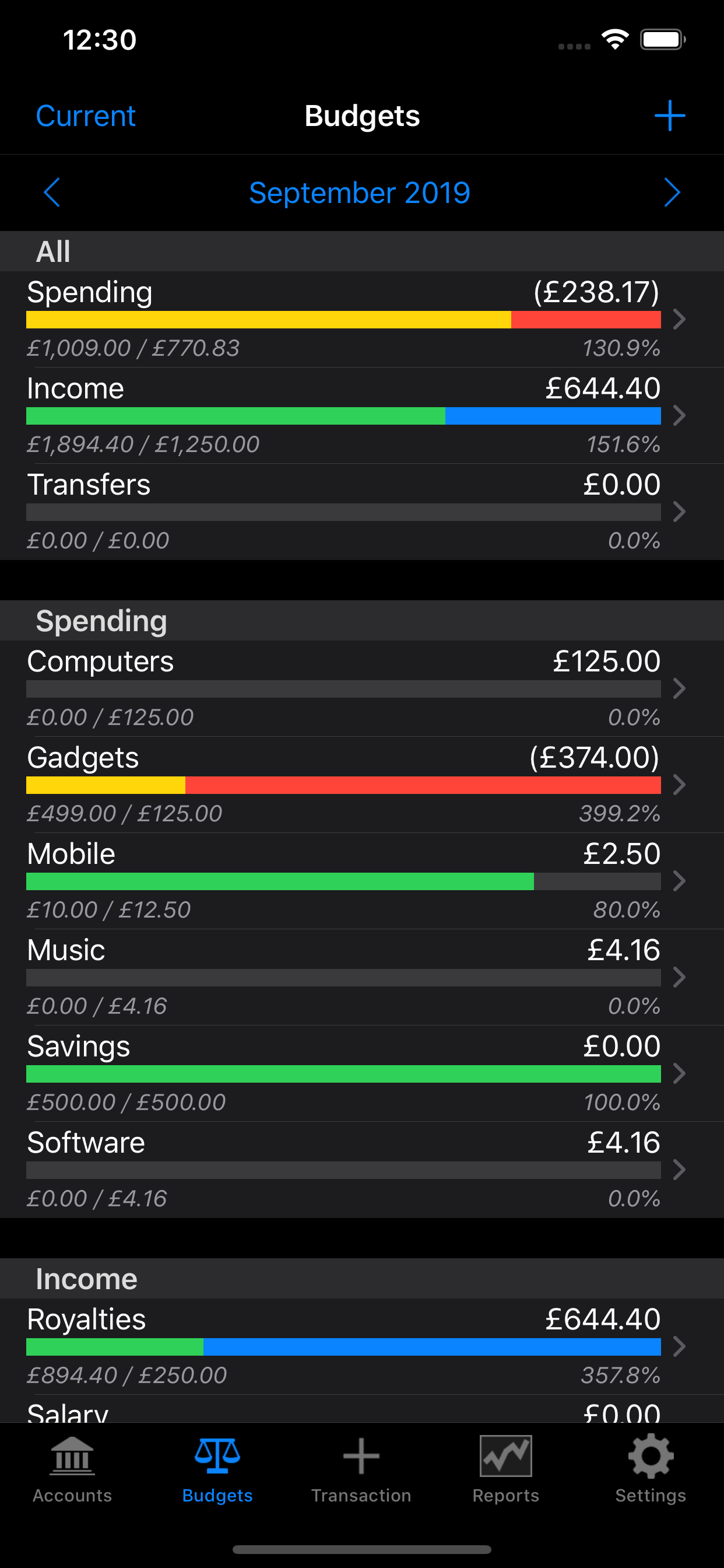
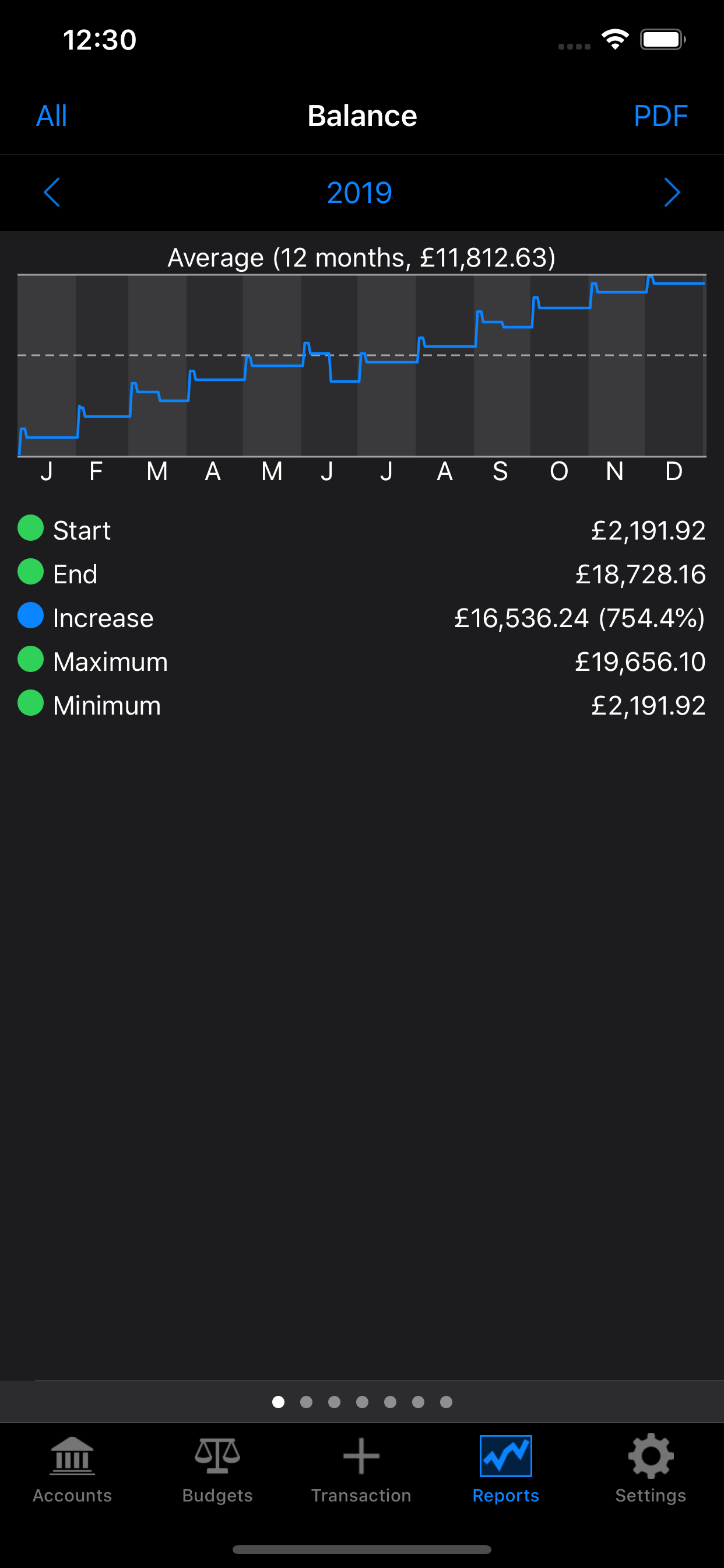
Here are some sample screenshots …

Hill Lists 6.8 now available

hlicon57

Updated the underlying Database of British and Irish Hills (DoBIH) to version 17. Minor changes to the Marilyns, HuMPS, Simms, Dodds, Nuttalls, Deweys, County Tops, Synges and Hewitts. Note the Munro Top Beinn a’ Chroin West Top has been deleted, following confirmation by the SMC.

Also in version 17 the Dodds have been extended to Ireland, bringing them into alignment with the Marilyns, Humps and Simms. The list replaces the Myrddyn Deweys.

When searching for hills, I now match on ascent notes too. This lets you search for all hills climbed with a person, assuming they are mentioned in the log. Clearly if they are called Ben, you might get a few more matches than expected, perhaps use @Ben or #Ben in the logs!

When adding multiple hills on the same day, I now retain the order they were logged. This has always been the case with hills logged on the day, just not earlier days.

Bug fixes.

Account Tracker Pro 6.2 now available

atp57 Added support for marking an account closed in the account settings. If enabled, the account will not appear as an option when adding or editing transactions.

Added a separate setting for the balance type used when viewing an account (vs the one used on the all accounts screen). When viewing an account, double tap the balance at the top. This setting applies to all accounts.

When viewing a list of accounts (e.g. when adding a transaction or changing budgets or reports), hidden accounts are now shown in grey.

When adding a new transaction, you can now set it to be reconciled (non-recurring transactions only).

Hill Lists 6.7 now available

hlicon57 Added two new lists for their historical perspective: deleted Munro Tops and deleted Donald Tops.

Added a map view to show the location of an individual hill (when viewing any group of hills, or for each of your most climbed hills on the dashboard). Simply swipe right to left on a hill.

The location view now distinguishes unclimbed hills in your tracked lists (red) from other unclimbed hills (grey).

Added a map scale when using Apple maps (not yet supported on Google maps).

Added a new sort option showing year to date progress (vs the previous year). To make this more useable you can quickly re-sort your tracked lists by tapping the lists icon (bottom left) a second time.

Improvements to the underlying database, to reduce memory usage and speed a few things up.

MINOR UPDATES …

6.7.1 was released on 17th September to fix a bug to do with the New Donalds list.

Account Tracker Pro 6.1 now available (iOS and Mac)

atp57 Improved and added colour coding to the lists of transactions (iOS only).

Moved all the copy and move transaction options to the blue accessory buttons rather than having some on the swipe buttons (Pro version only).

Added support for doughnut charts (as an alternative to pie charts). These can be enabled in the advanced settings (Pro and Mac versions only).

Added support for syncing selected settings (including account and group order) from your primary device on iOS (Mac version only).

Upgraded to the latest Dropbox framework.

MINOR UPDATES …

6.1.1 (iOS only) was released on 15th July to tweak the transaction colours: blue is the most recent (as before), grey is reconciled (new) and everything else is red. While reconciling (i.e. in reconcile mode), future transactions are also greyed, leaving just those to be reconciled as red.

Also added an advanced setting to grey out the transaction details if reconciled. If you are still using the old (basic) app, v5.9.6 was released on 21st July with the same change.

6.1.2 (iOS only) was released on 4th August with a few bug fixes.

6.1.3 (iOS only) was released on 5th August to fix a scrolling issue.